How to Check That the Factory Made Every Change to Your Furniture Drawings
You marked up three changes and the factory replies, “All updated.” As an interior designer, you want to see the revised work before you approve production. Send Arcaya the original and marked-up sets. We’ll check where each change appears and whether the related views, materials, and pricing moved with it.
Give every comment an ID and one clear outcome
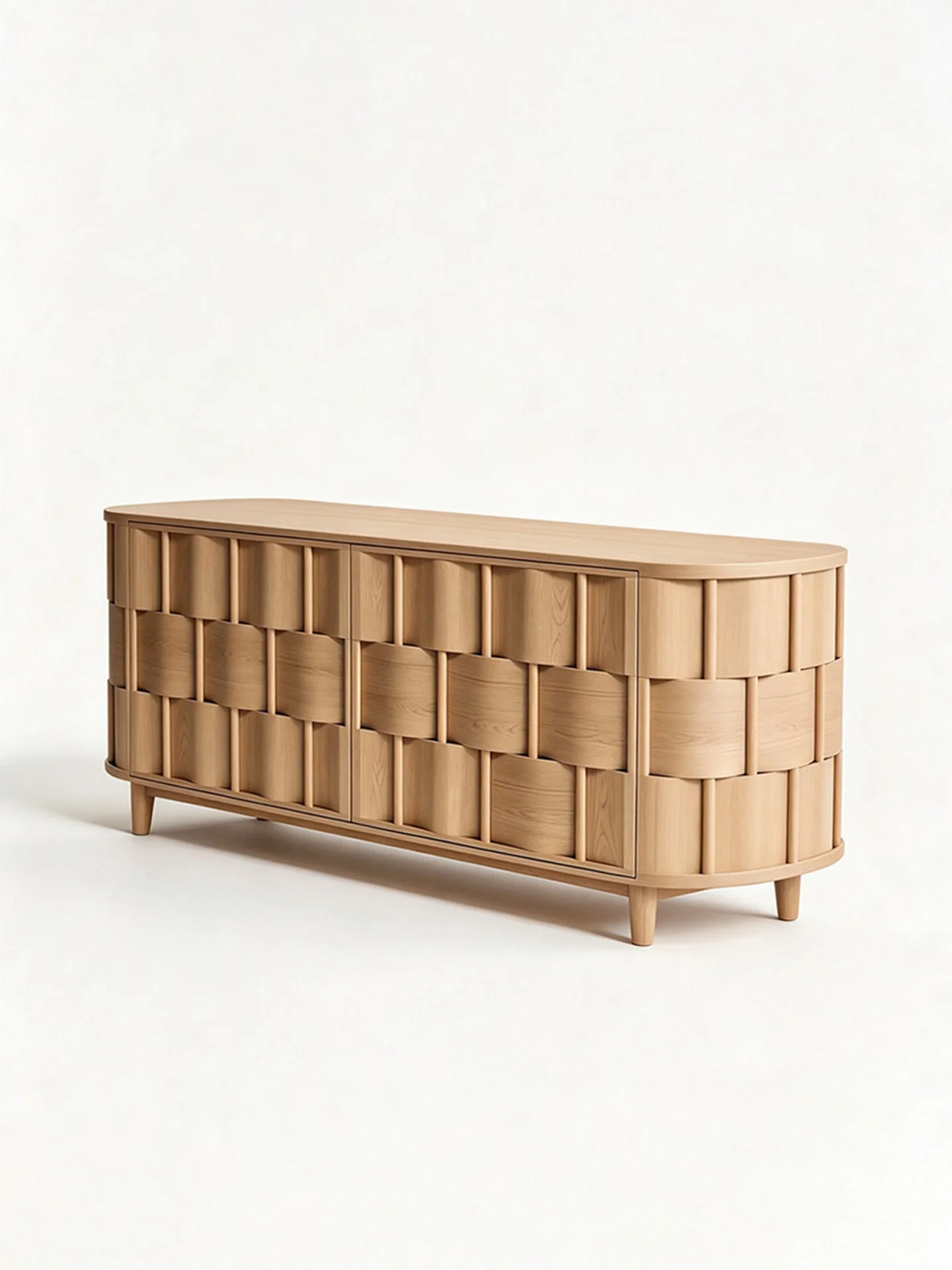
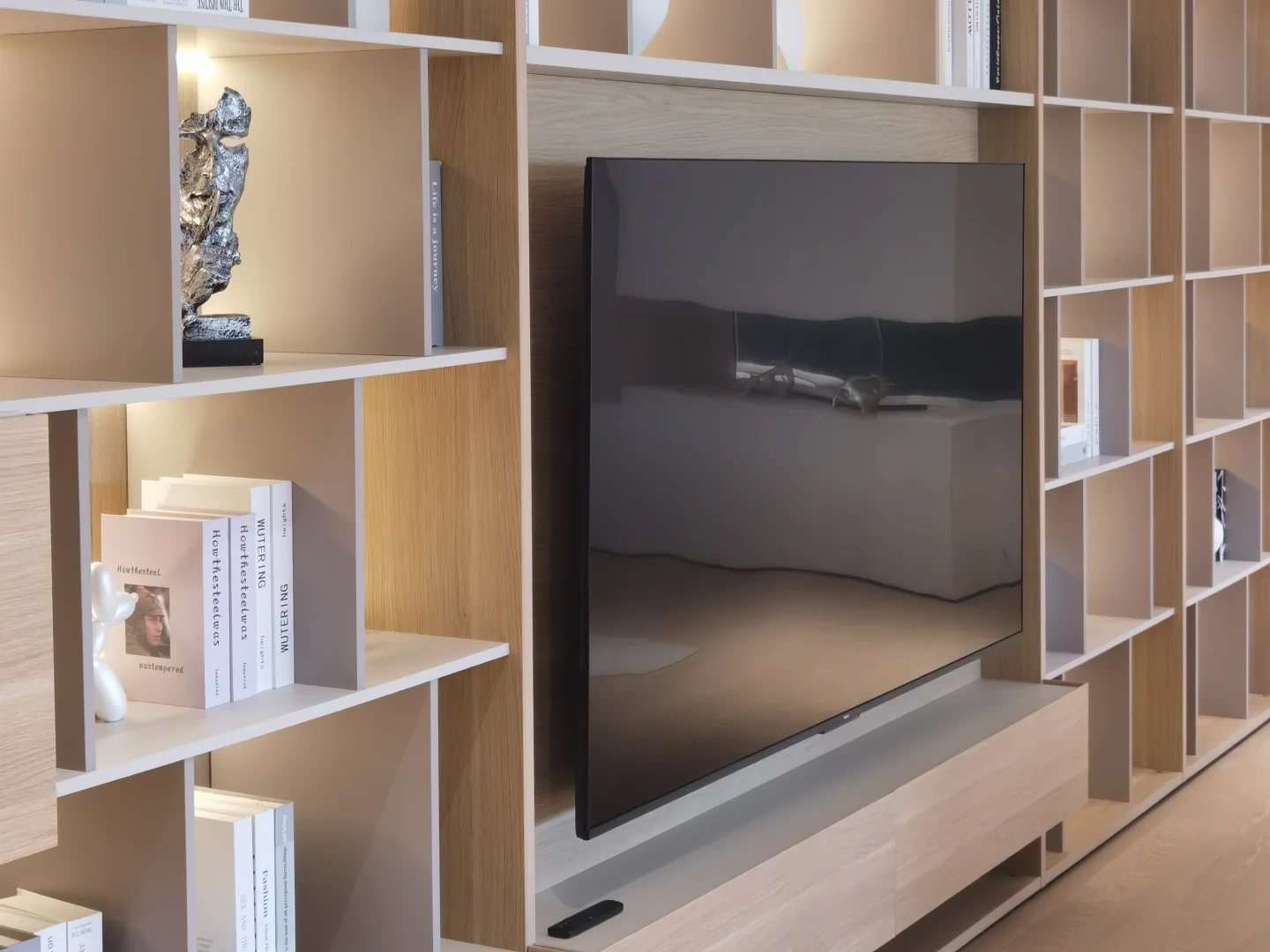
Use the furniture number and sheet reference. For example, C01 changes the table length to 1,700 mm, C02 moves the base inward, and C03 asks for a revised edge radius. On a cabinet, give the door swing, right filler, and outlet separate IDs so the maker can show whether one affects another.
Confirm which set the factory has returned
Check drawing numbers, revision, date, and whether the set includes all relevant views and details. If the factory only sends screenshots, ask for a complete issue before checking dependencies across drawings.
Ask for a response against each comment
Have the maker mark each item revised, proposed alternative, or awaiting your input. Ask for the sheet and detail number. “See attached” leaves you looking for the dimension or joint that was actually changed.
Request a marked comparison and a clean revised set
Ask the factory for a copy showing where it made changes and a clean drawing set with the same revision and issue date. Use the marked version to find the area quickly. Use the clean set to verify that the part, dimensions, material notes, and any cross-references now agree. If the revisions come in piecemeal, identify which sheets have changed and ask the factory to confirm the list that is current.
A screenshot of a revised cabinet elevation can show the new door size, but it won’t reveal an outdated section or hardware list elsewhere. Keep the superseded files visible in the review history and separate from what can be used for production. Then ask the maker to reply against any comment that doesn’t show up in the current issue. The studio can review the changes without having to decide from a filename alone whether it is looking at a working draft or the intended release.
Compare the old and new views side by side
Check both the dimension and what’s drawn. If the elevation shows a shorter table, verify that the plan, section, and parts list also use that length. Compare corresponding views so a change to one label doesn’t hide an outdated shape.
Follow the change into other details
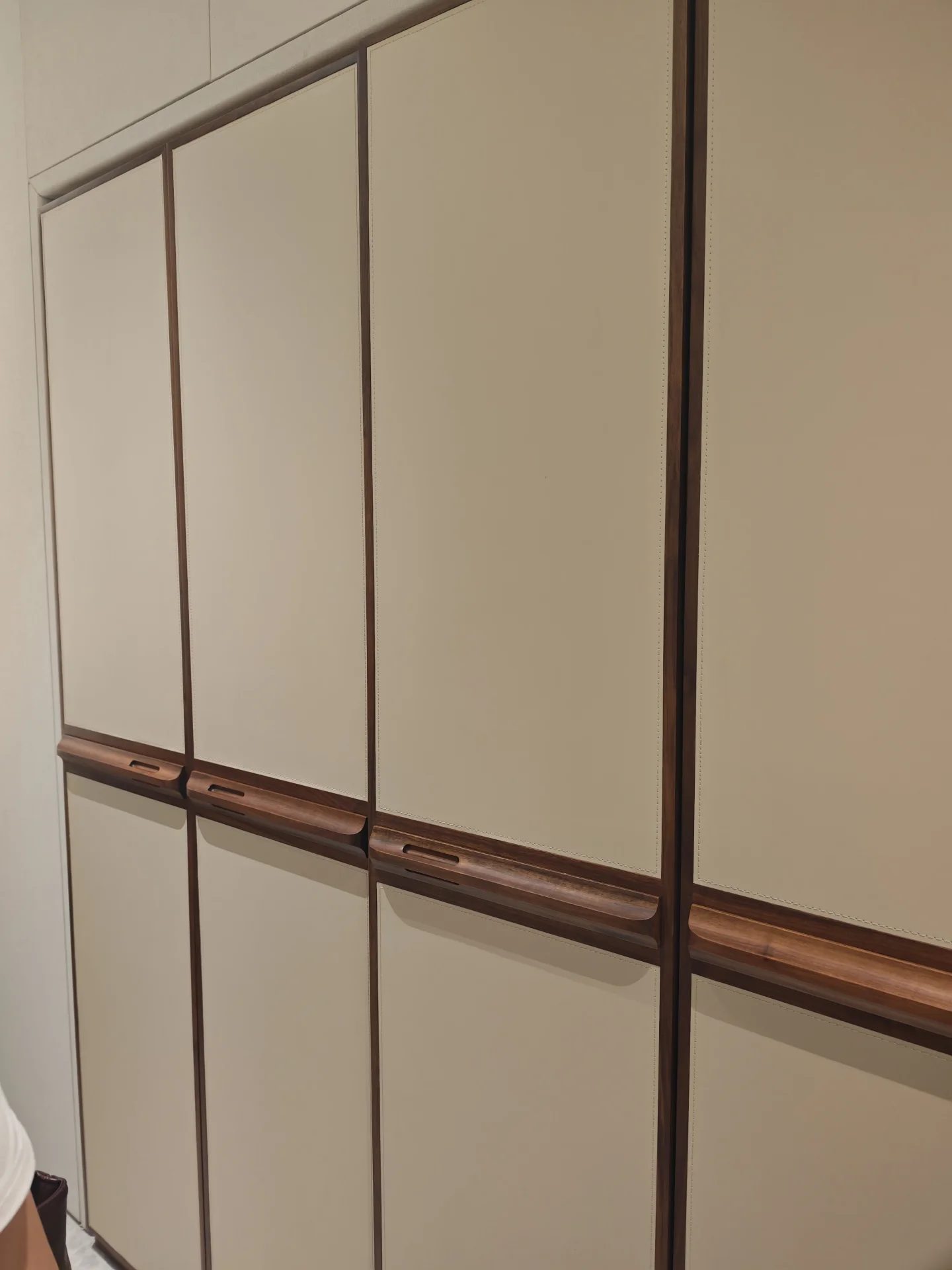
A moved base can affect end seating and fixing holes. A door switched to left-hand opening can affect the hinge hand, swing arc, shelves, and pull position. Ask the factory to verify affected parts and hardware and check with the supplier for a revised price when the scope changes.

Keep unresolved comments visible
If the factory can’t make the requested radius, ask for an explanation and a drawing of the radius it can make. Leave the item open until you approve the proposed detail.
Trace one change to the parts outside its original view
Suppose C02 moves the table base 50 mm toward the center to free a chair at the end. After checking the plan dimension, ask the factory to identify what moved on the underside drawing and where the fasteners go. Then confirm how the new position affects the side views and legroom at neighboring seats. Ask whether it uses the same top and whether any quoted work needs to change.
For a cabinet door switched to the opposite hand, look at the hinge notes, swing in plan, inside pull position, and packing label if handed pieces are shipped together. Record the sheets checked, where the evidence is, and which question still needs an answer. If the factory suggests an alternate detail, leave the related comment open. Have the studio make a specific decision about the alternative before anything dependent on it is released.
Use a three-comment comparison
| Original comment | What the revised set shows | Next step |
|---|---|---|
| C01. Shorten the table | Plan and elevation both show 1,700 mm | Close C01. |
| C02. Move the base | Plan shows the new position. Side elevation and fixings still show the old position. | Update both and recheck. |
| C03. Confirm the edge radius | The factory has yet to specify a usable radius | Review the proposed detail when it arrives. |
Record whether the review authorizes production
You can approve C01 and leave C02 and C03 open. Tell the factory which drawing work can continue. If an open detail affects something already approved, put that page back into review. Keep formal release tied to the completed set.
Request a complete set for fabrication
Once comments are closed, ask for the final drawings, matching quote, and material schedule. If a pull or top changed, check the sample and hardware IDs across the files before approval.
Issue the approval with limits the workshop can follow
When two comments are closed and the third needs another drawing, show that status in the review record. Tell the factory whether it may prepare materials or assemble unrelated parts while the affected piece is on hold. Identify the page, component, and person who can close the remaining question. For example, a confirmed table length might allow the team to finalize the plan while the tabletop edge still needs the designer’s decision. Ask whether the edge choice would affect any work already scheduled and record the answer.
Once all conditions are met, issue the entire approved set and attach any updated price or sample references. Ask production and inspection to acknowledge the same revision. Keep a date and recipient on those acknowledgments so the next reviewer can see whether a further edit would change a drawing only or a piece that is already being made. A clean release record makes both outcomes easier to manage. When the factory uses a PDF for sign-off and an editable file in the workshop, ask it to confirm that both came from the same issue. A later change should replace both where it affects fabrication.
Send the same revision to everyone using it
Issue the approved set to the factory and the relevant pages to the inspector and site team. Ask them to acknowledge the revision. Mark the previous version as superseded. Before shipment, verify that the inspector’s checklist also shows changes such as the new door swing.