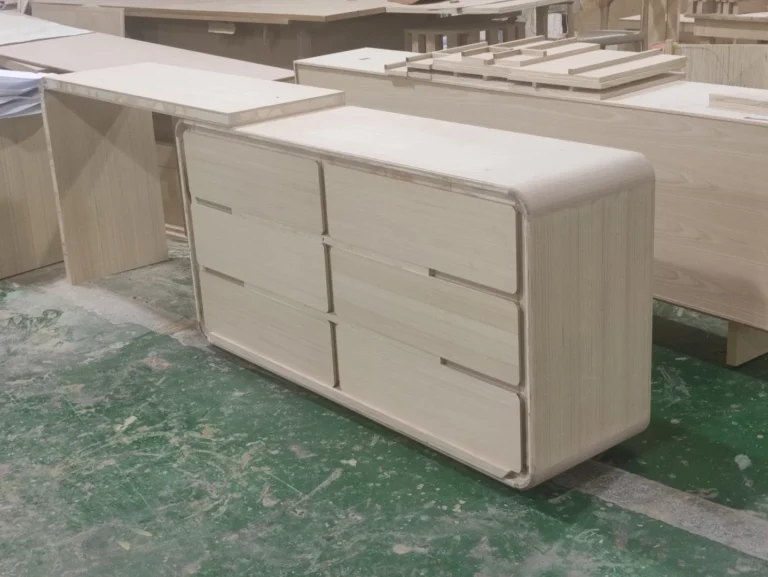
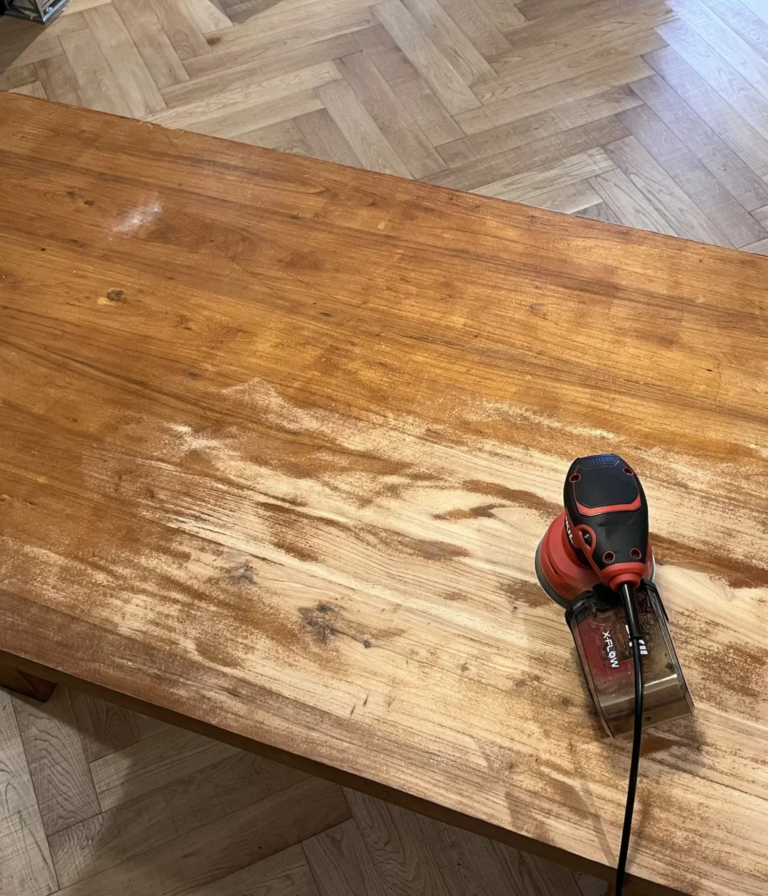
How to Mark Approved Pieces and Alternatives on Your FF&E Schedule
At the client meeting, the sofa gets approved as shown. The client likes the shape of the dining chair but hasn’t chosen a fabric, and the side table is still wide open. Mark each decision on the FF&E schedule so we know which model to verify, where to find a backup, and what to source from scratch.
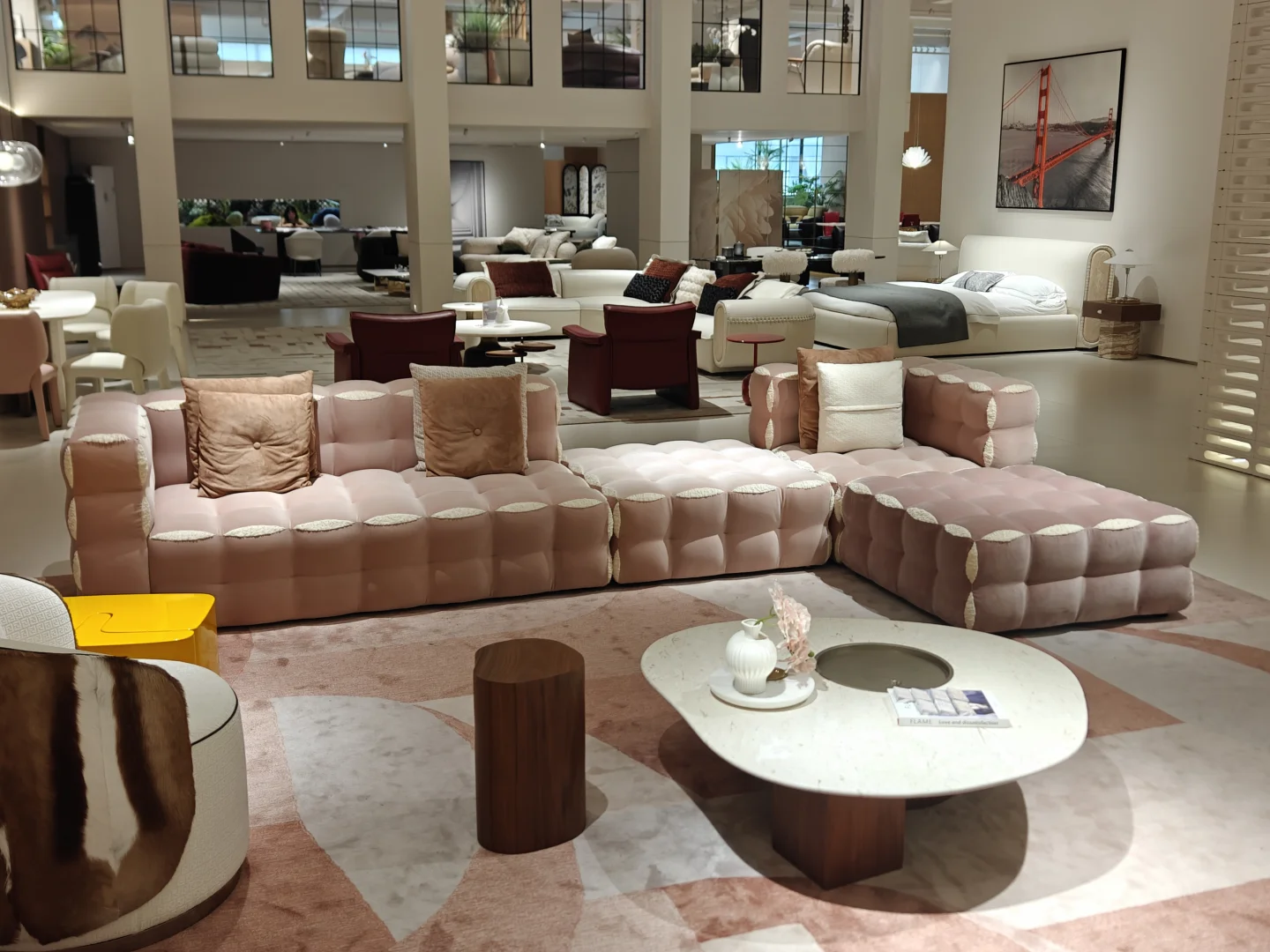
Tell Us What to Do with Each Line Item
Write an instruction next to the item code, such as “verify specified model,” “keep first choice and find a backup,” or “source to brief.” That gives your studio and our sourcing team the same instructions to work from.
Record Exactly Which Version Was Approved
Send the approved photo, full model number, dimensions, finish code, and approval date. A model can come in several configurations, so we’ll check that the supplier is pricing the version your client saw.

Separate What’s Approved from What’s Pending
If the client approved the silhouette and wood tone, write down what’s still open. For example, “Profile and wood tone approved. Fabric sample and pricing pending.” We can check fabric options and availability while you prepare for the next review.
Describe What Any Alternative Needs to Keep
You might consider another dining chair if it has an exposed wood back and fits under the existing table. We’ll check both requirements before bringing options back to your studio.

Give Open Items a Clear Brief
Include the intended use, quantity, budget, and maximum footprint. Tell us if the piece needs arms, has to be easy to move, or will sit in a prominent sightline. We’ll flag what’s still to confirm for each candidate.
Find Out What’s Holding Up the First Choice
Check whether the model is unavailable altogether or whether the problem is the finish, quantity, or delivery date. We’ll ask when stock is due, which versions are available, and whether the original quote still holds.

Compare the Original and the Backup Side by Side
Keep the original item code and add a suffix for each option. Compare photos, dimensions, finishes, price, and lead time. If an arm is too high to slide under the table, put that note next to the measurement.
Decide What Needs Another Approval
A different finish may only need a swatch review. If the shape, seating, or budget changes, we’ll send the revised board and quote so you can decide what the client needs to see again.
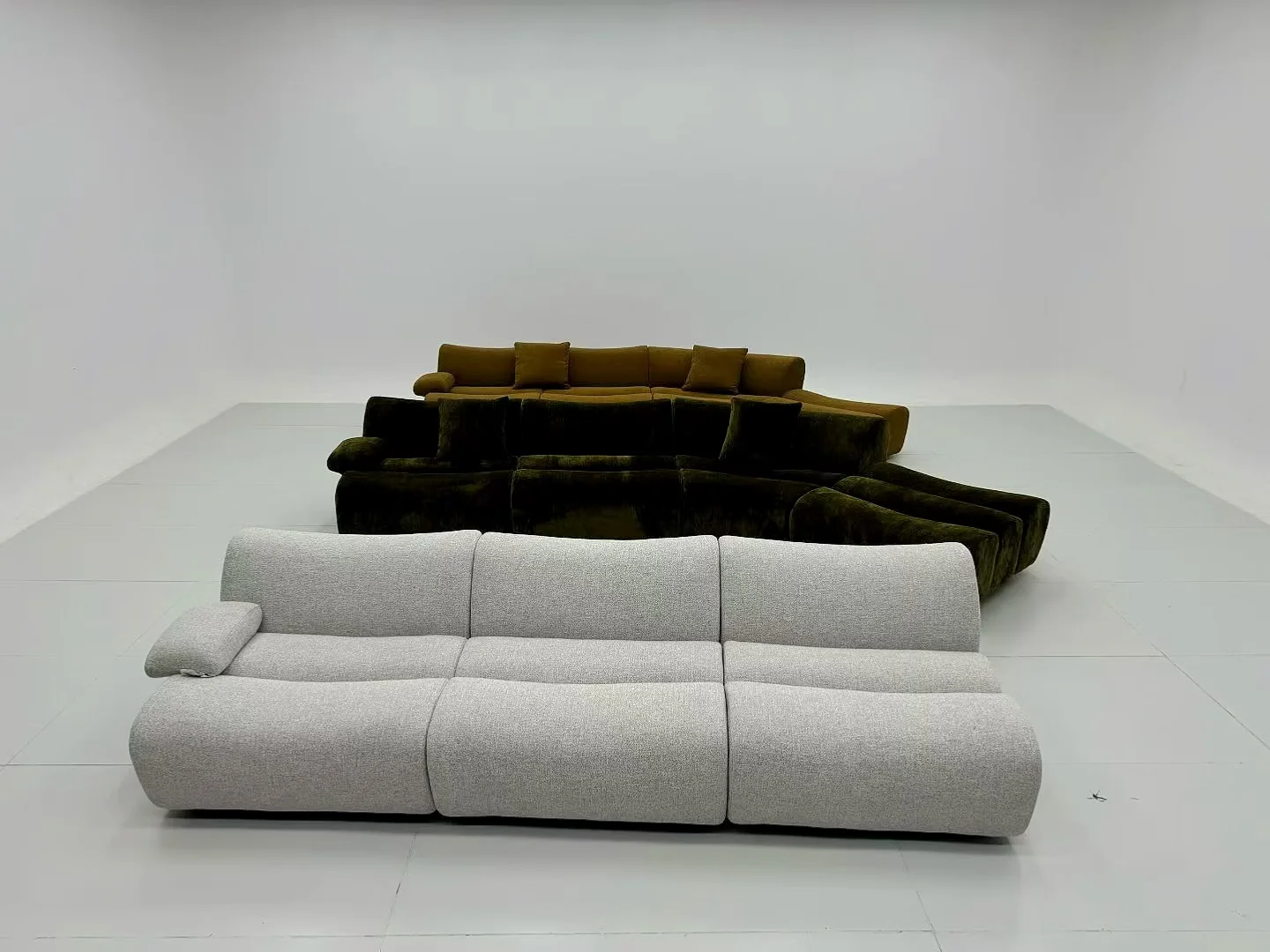
Carry the Approved Choice into the Order
Keep the original approval on file and record the replacement, revision, and date. Update the drawing, quote, and supplier specification together so purchasing can order the correct version.
Three Ways to Mark Up One Schedule
Your studio can request a swatch for the backup chair while the original supplier checks stock. Keep both options on the schedule until you know which one you’re ordering.
| Item | Sourcing instruction | What we send back |
|---|---|---|
| SF-11 · Sofa | Verify the specified model and approved upholstery | Availability, quote and timing for the exact version |
| DC-11 · Dining chair | Keep the original and find a backup that tucks under the table | Original status, photos and backup arm height |
| ST-11 · Side table | Source within the footprint and budget | Options with finishes and decisions still open |