
Furniture sourcing guide
Sourcing Modular Sofas from China: Connectors, Compatibility and Replacement Modules
Once you have chosen a modular sofa, confirm which modules the quotation includes, where they connect and whether those components will work in the next arrangement you have in mind. A showroom configuration gives you a starting point for those questions.
When sourcing from China, keep module IDs, photographs of both sides of each connection, component lists and drawing revisions together. These records make remote discussions more precise and give you a reference if you later need another module or replacement fittings.
1. Start with the configurations you actually need
Draw the arrangement you intend to buy, then save any future changes as separate layouts. You might want to move one module beside a window or add a seat at the other end later. Mark the seats, arms, backrests and ottomans required in each layout, and ask the supplier to respond to each one.
Ask separately whether the sofa can be divided for transport, whether the separated modules may be used independently and which modules can change positions. Separate cushions do not establish how many frame units sit beneath them.
For independent use, confirm that the required legs or base are included. For a new arrangement, check the upholstery, finish and any exposed fittings on sides and backs that were previously hidden. Put these questions beside the relevant layout so the reply addresses your intended use.
2. Identify every module clearly
Keep the manufacturer’s model reference for the complete sofa and give each module on your drawing a project ID. Retain the manufacturer’s module codes, revisions and original labels alongside your own IDs. If the supplier has no formal module codes, record that and ask them to identify the components through drawings and photographs.
The module schedule should show quantities, dimensions, arm and backrest positions, and the faces that will be visible in each layout. Include units and measurement points. If the sample, quotation and drawing differ, list the differences before confirming the version you will order.
Use the blank schedule for the actual product information. Fill in what is known and keep missing details on the question list; specifications for a similar-looking product cannot complete this record.
| Module ID on drawing | Manufacturer’s model / module code and revision | Component, arm and backrest positions | Quantity | Dimensions, units and measurement basis | Independent use and exposed-face conditions |
|---|---|---|---|---|---|
3. Link connector photographs to both adjoining modules
Ask for a whole-module photograph, a view locating the connection on its underside or side, and close-ups of the mating parts. Each image should link back to the module schedule: which module and side does it show, and where does it connect to the adjacent module? An isolated hardware close-up leaves that relationship unresolved.

Record both sides of the connection. Confirm the component names or codes, locations, quantities and whether they are factory-fitted or supplied loose in a fittings pack. Check any relevant dimensions, holes, orientation or fixing method against the model’s drawings and assembly instructions. Mark fields that do not apply as not applicable.
Establish what each part does. Connections between seat modules, arm supports, backrest positioning and cushion grip need separate clarification. Similar appearance or a shared informal name online does not identify a part or establish that it can replace the original.
4. Confirm compatibility for each intended pairing
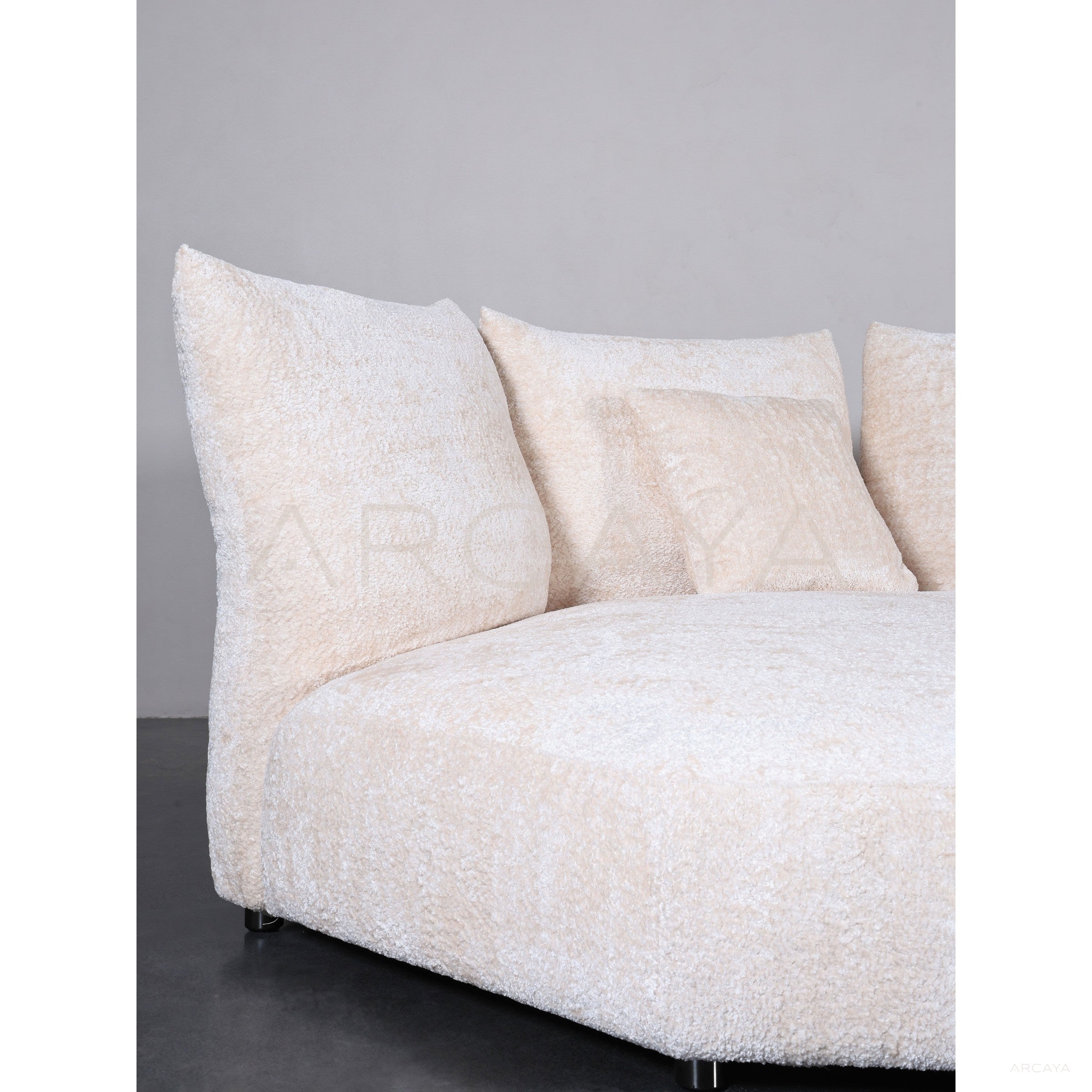
Ask whether the specified side of module A may connect to the specified side of module B in the layout shown. Where a series has different sizes or revisions, have the supplier state which ones the reply covers. Do not extend confirmation of one pairing to the whole series.
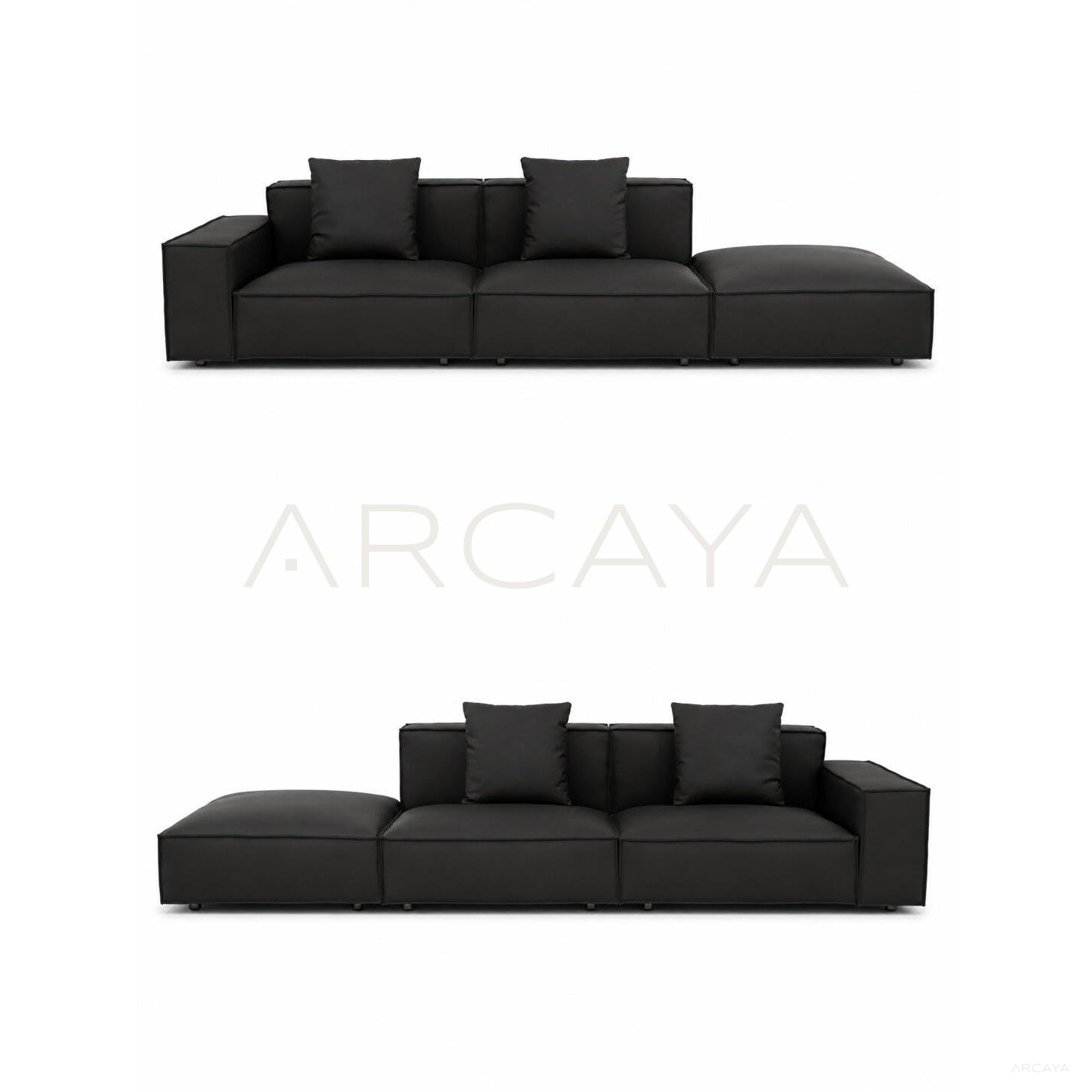
Review the support and appearance alongside the connection. Are the required base, legs and fasteners included? Do the arm and backrest positions suit the layout? Has the finish on any newly exposed face been confirmed?
Keep the supporting reference, conditions, respondent and date in the pairing record. Leave unanswered pairings marked for confirmation. If the supplier proposes a different component or module, ask for the differences and an updated drawing.
| Module A and connection side | Module B and connection side | Layout / drawing revision | Required supports and connecting parts | Permitted conditions and open questions | Supporting reference, respondent and date |
|---|---|---|---|---|---|
5. Request assembly instructions and records for your configuration
Obtain the model’s assembly instructions and ask the supplier to show the relevant modules connected and being assembled according to those instructions. Establish whether the demonstration uses a sample or the goods for your order, and check the module identities and drawing revision. If you receive clips, ask which steps they cover.
Record the configuration shown, instruction revision, associated parts and observed result. For missing or incorrect parts, an abnormal connection or a mismatch with the drawing, identify the module and location. Request the proposed correction and an updated record. Do not alter holes, substitute structural fittings or borrow another product’s assembly method to make the pieces fit.
Photographs and ordinary assembly demonstrations help you review the state shown. They do not establish that strength, stability or durability testing has been completed. If the project requires performance evidence, review the relevant sample, test scope and documents separately.
6. Connect modules, fittings and carton IDs in the order documents
The final order attachments should refer to the module schedule, pairing record and assembly instructions. When the drawing, quotation or configuration changes, identify the revision and explain the change. Ask the supplier to confirm that the same document set will be used for the order.
Check the complete set of parts required for the configuration. Identify the location and quantity of each required leg, base, bracket, corner fitting and associated fastener. Separate factory-fitted parts, loose fittings packs and separately ordered spares to avoid omissions or double counting.
At packing, link modules and fittings to carton IDs. Explain any module split across cartons or fittings pack shared by several modules. This gives the receiving team a way to locate parts during unpacking and provides a reference for replacement requests.
| Check | References to link | Your entry / supplier reply |
|---|---|---|
| Final configuration | Layout ID, module schedule, pairing record and drawing revision | |
| Assembly instructions | Instructions and revision for the specified model | |
| Complete component set | Supports, connectors, associated fittings and required quantities | |
| Fitted or loose | Factory-fitted parts, loose fittings packs and spares listed separately | |
| Packing references | Modules and fittings packs linked to actual carton IDs | |
| Change confirmation | Differences, proposed substitutions, respondent and date |
7. Clarify how to order replacement modules and accessories
If you expect to add or replace a module later, ask during the first purchase whether it can be bought separately, which original order and module details will be needed, and whether any mating parts must be replaced with it. When you reorder, reconfirm the current revision, interfaces, associated parts and availability.
A replacement module also needs a review of dimensions, arm and backrest positions, and appearance. Retain the original material and colour references and identify the used modules it will sit beside. A matching model or colour code does not resolve differences in batches, condition or revisions. Confirm the minimum quantity, price, expected milestones, further transport and local installation scope for that purchase.
For accessories that position a backrest or help prevent slipping, first identify the part and surface involved, then ask about suitability, maintenance and replacement conditions. Do not treat their positioning or grip function as assurance that the seat frames are properly connected, and one person’s experience cannot set a general replacement interval. If a problem develops, keep records of the part’s location and condition and ask the supplier how it should be addressed.
8. Keep unanswered questions open before ordering
Review each reply against the particular module, layout and revision. A whole-sofa photograph, an unidentified connector close-up or a promise that parts will always be available still needs clarification. Separate confirmed items, confirmations with conditions and unanswered questions. A blank field is not approval.
You can send a request such as: “Please confirm the module codes and revisions, the connection locations on both adjoining modules, and the required supports and fittings for the attached layouts. Provide the corresponding assembly instructions. Identify unsupported combinations or extra parts, explain the finish on newly exposed faces, and state what information is needed to order replacement modules or fittings. Please list unresolved items individually.”
To discuss a modular sofa purchase with Arcaya, share your intended layouts, reference photographs and any existing model information. Identify the modules you hope to reposition, use independently or add later. Then agree the product information, quotation and inspection work needed for your project so the order can be traced to specific replies.