
List the rooms and built-ins.
Which rooms and built-in items are included, and which appliances or services affect them?
RESULTA short brief showing priorities, available plans and known limits.
ARCAYA / THE CABINETRY BUYER’S GUIDE
Send the plan you have. We help turn the agreed room, product and finish choices into detailed cabinet drawings for review before production.
Start with your floor plan Explore a drawing set
01 / WHAT YOU CAN START WITH
A floor plan can start the layout. Before production, the room measurements, selected products and cabinet details still need to be confirmed.
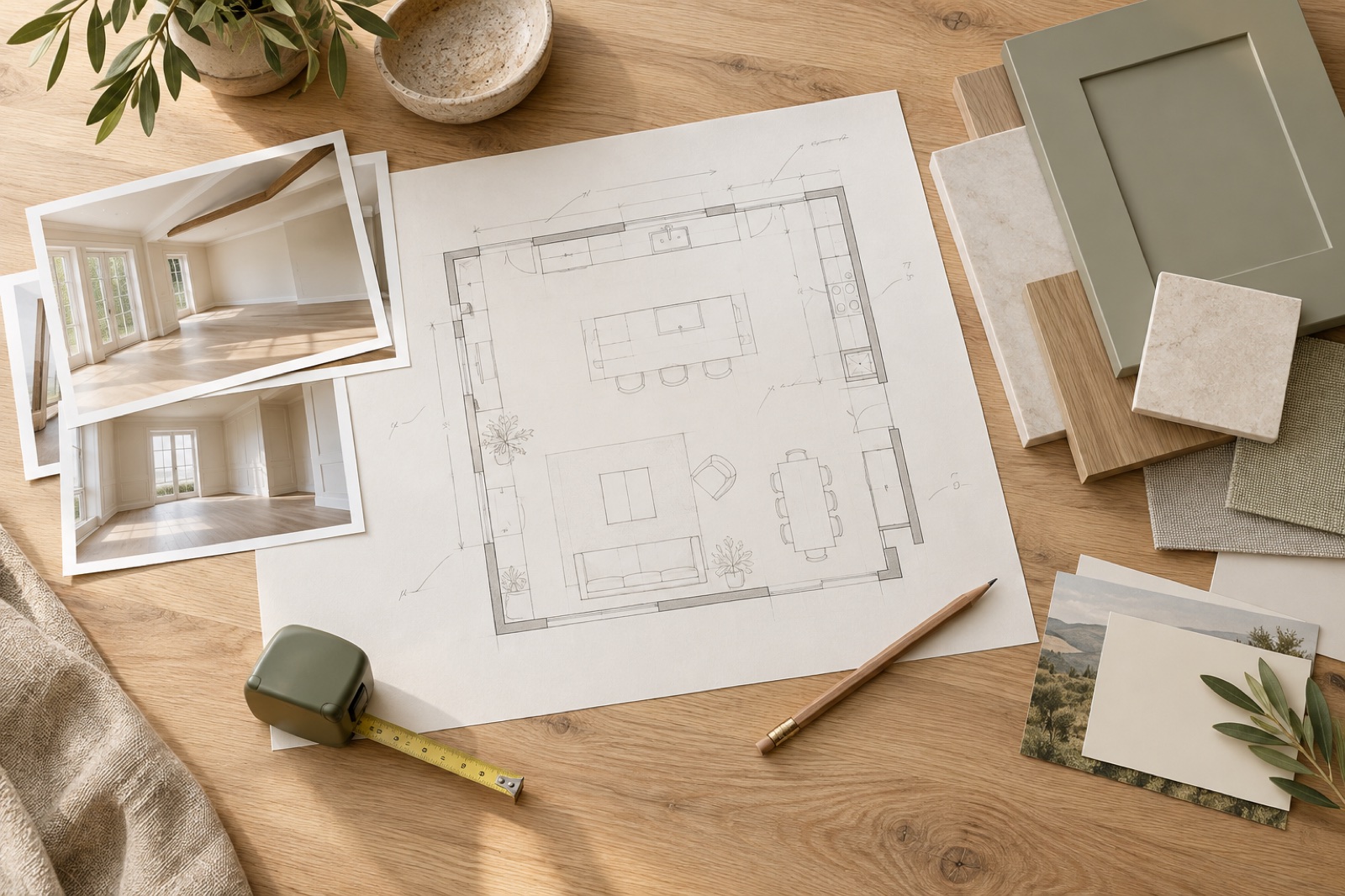
Share the plan you have, the rooms you want to include, room photographs and your destination. Mark what is confirmed, what is approximate and what may still change.
What are cabinetry shop drawings? They are detailed cabinet plans, front views and sections. They let you check sizes, materials, hardware, appliance fit and installation details before production.
A clear set gives every cabinet a room and unit number, and marks anything that still needs an answer.
THE WORKFLOW / INFORMATION BEFORE COMMITMENT
The process moves through five decisions. Some checks happen at the same time, and a site change may require an earlier decision to be checked again.
Which rooms and built-in items are included, and which appliances or services affect them?
RESULTA short brief showing priorities, available plans and known limits.
Can you reach the storage, open every door and drawer, and move comfortably through the room?
RESULTA layout for each room, with unanswered questions clearly marked.
Do the real room measurements match the drawing, and will the selected products fit?
RESULTOne checked set of site measurements and the current installation guides.
Which cabinets, finishes, hardware and installation parts are included?
RESULTA cabinet list with unit numbers, specifications and connection details.
Which dated drawing version is approved for production?
RESULTOne approved drawing set with a clear approval record.
02 / READ THE DRAWING SET
Switch between the views to see what each adds. A beautiful front view still needs the room plan and the details behind it.
A plan is the view from above. Read it with the walls, doors, furniture and walking routes around the cabinets.
An elevation is the front-on view. It shows the position and height of each cabinet, drawer, shelf and visible finish.
A section is a side cut-through. It shows internal space, construction and the parts hidden behind the cabinet.
A plan is the view from above. Read it with the walls, doors, furniture and walking routes around the cabinets.
These original diagrams explain what to review. They are not a linked drawing set, a real Arcaya project or a manufacturing template.
03 / VERIFY BEFORE DIMENSIONS BECOME FIXED
An early survey helps with layout. Final production dimensions should use the finished floor, finished walls and confirmed plumbing and electrical positions. If construction is still underway, mark which measurements may change.
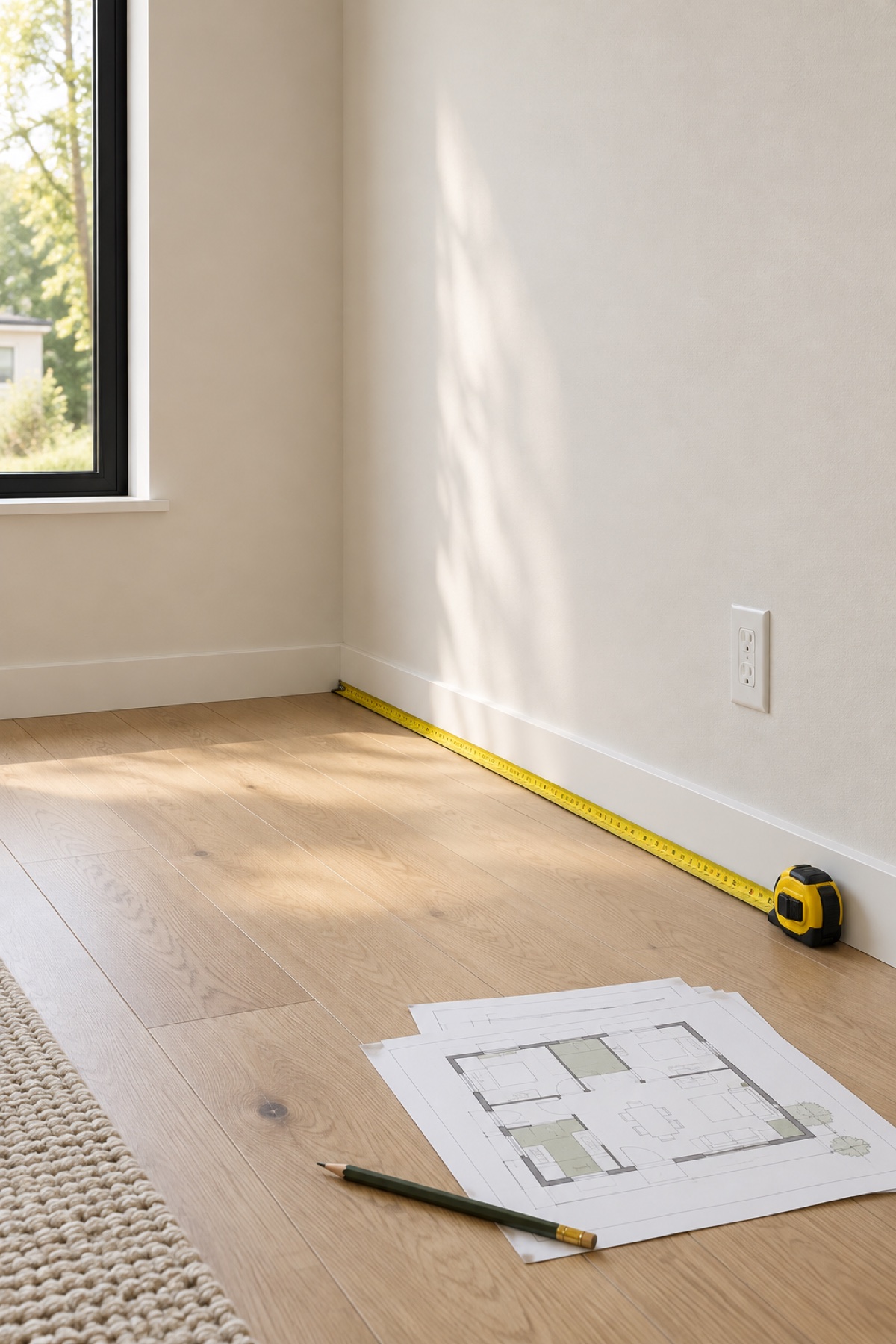
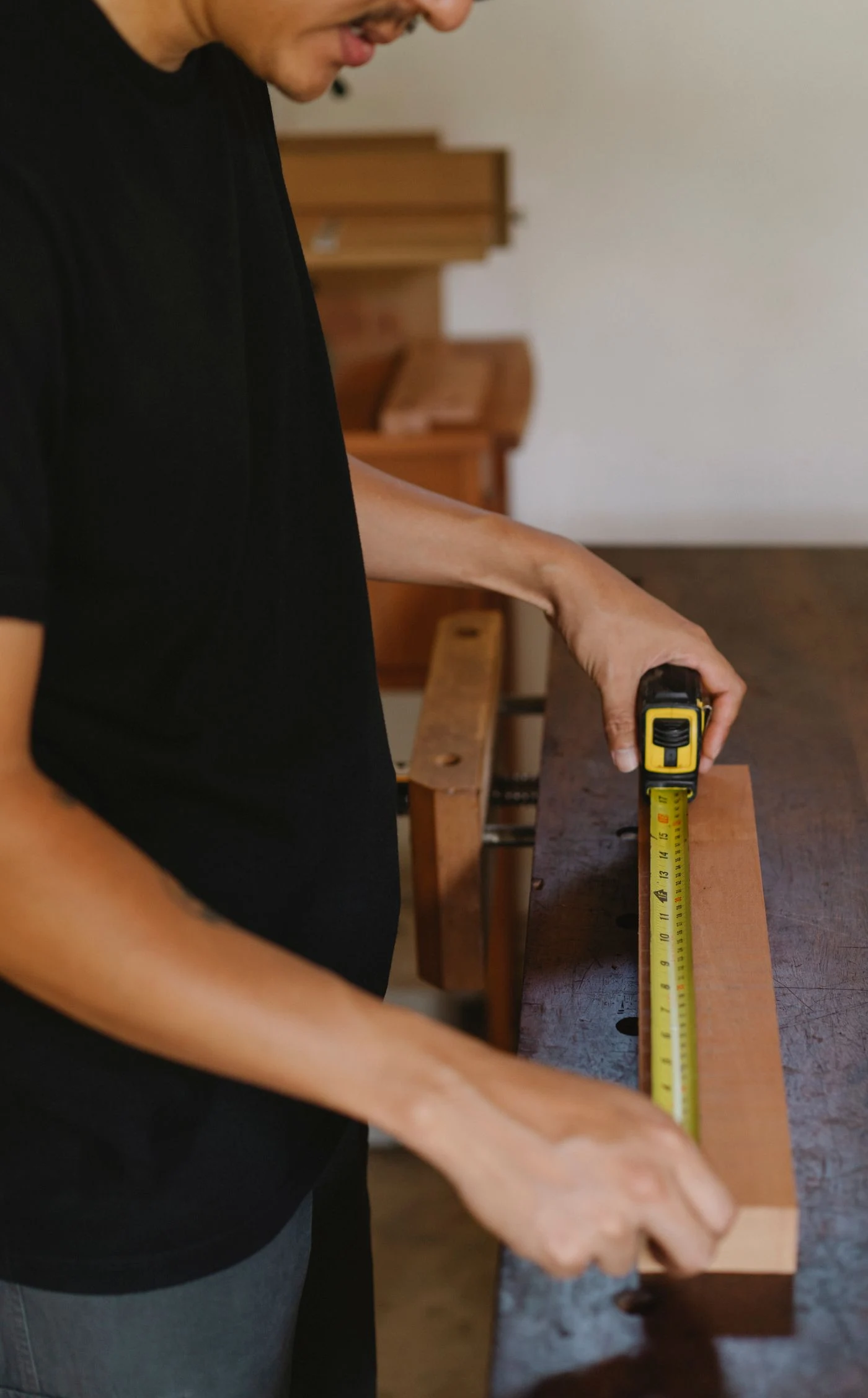
Record millimetres or inches, the measurement date, wall-to-wall sizes, finished floor level and ceiling height. Name the local person who checked them.
Include windows, doors, columns, beams, skirting boards, plumbing and electrical points. Note uneven walls and where small infill panels may be needed.
If the floor, tiles, wall or service position changes, the local site measurer checks the affected area again and sends the new dimensions before approval.
THE INTERFACES / WHERE A MODEL NUMBER IS NOT ENOUGH
The overall size of an appliance is not the same as the cabinet opening it needs. Use the installation guide for the exact model sold in the project’s country.
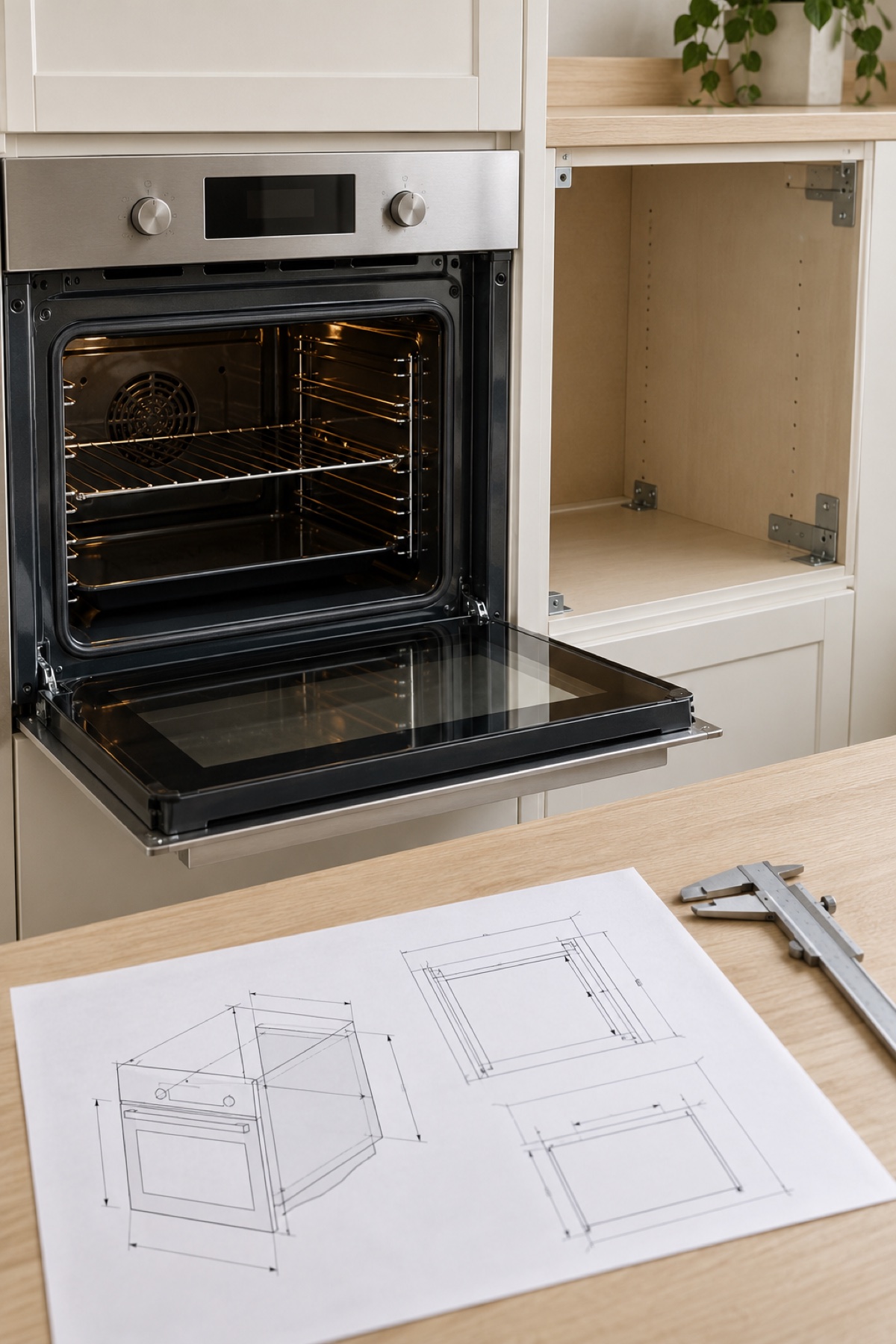 01
01Match the exact model to the latest installation guide. Check the required cabinet opening, door movement, ventilation, power and water connections.
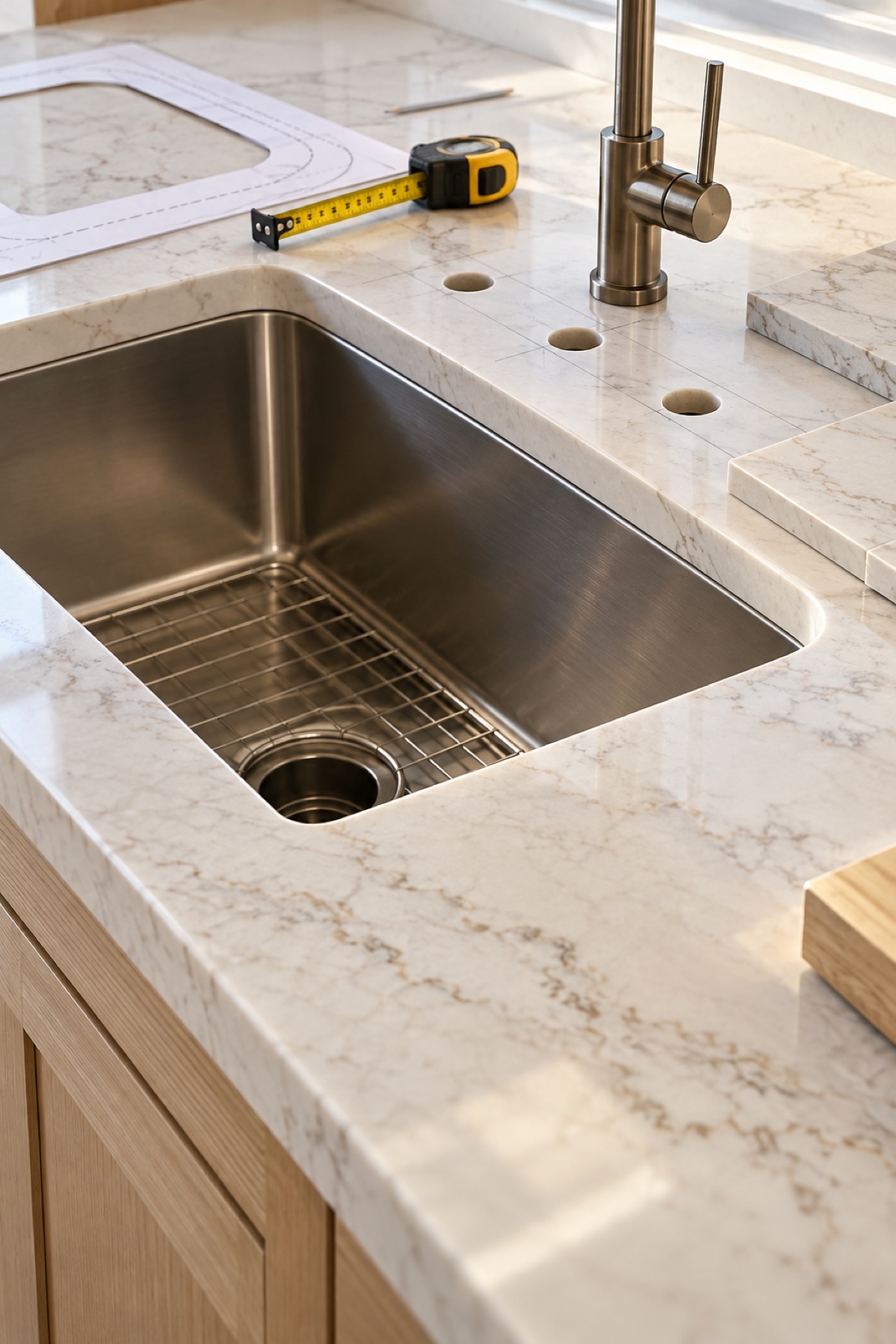 02
02Confirm the sink template, tap holes, countertop cut-outs and finished edges. Name who takes the final measurement before the countertop is cut.
 03
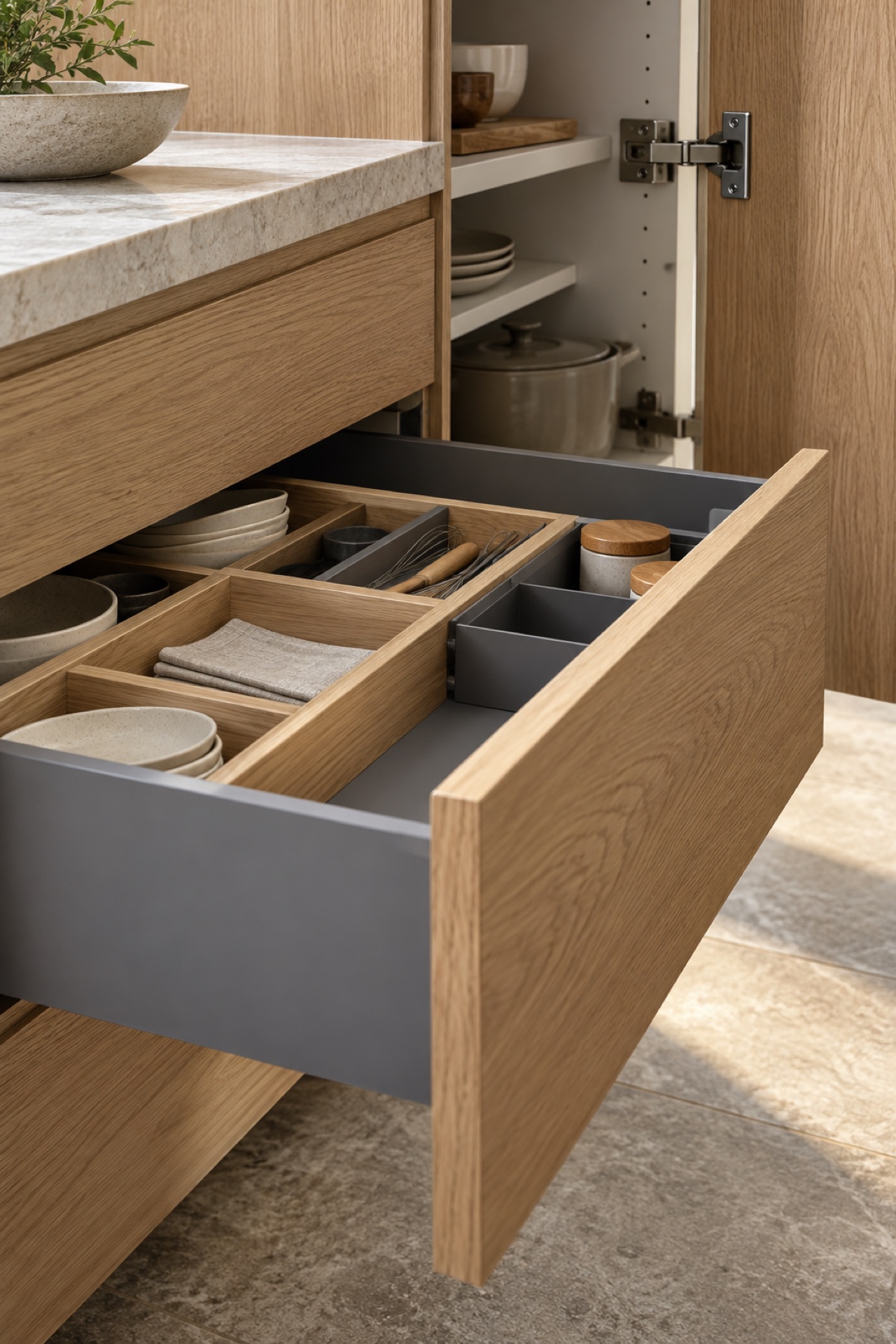
03List the exact hinge, runner, basket or organiser model. Check the usable space inside and make sure plates, pans and handles do not stop the door closing.
 04
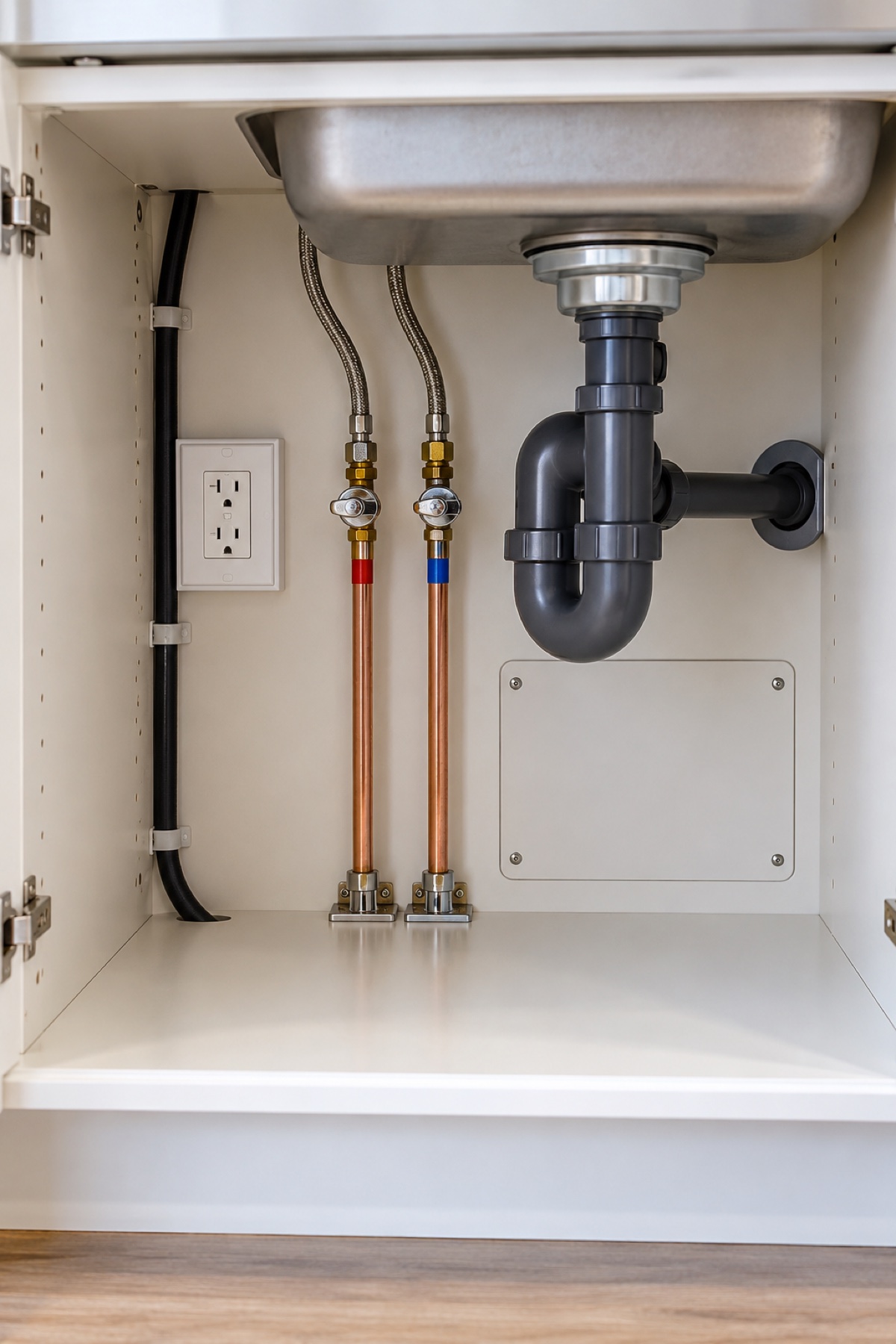
04Mark the plumbing, sockets and cable routes on the drawing. A qualified local plumber or electrician checks the site and carries out the installation.
04 / COORDINATE THE HOME
Each room has different needs. One room list, one finish list and one drawing-version log help keep the whole home consistent.
Connect cabinetry to appliance cavities, sink details, countertop scope and service locations. Check opening paths beside the island and dining furniture.
Appliance installation documents + finished-site measurements
Plan storage around your clothes and objects. Check usable hanging space, drawer access, door travel and the furniture beside the wardrobe.
Storage inventory + ceiling and door-opening conditions
Coordinate the selected basin, countertop and plumbing positions with usable storage. Identify who confirms the final site conditions and service access.
Basin data + plumbing positions + countertop responsibility
Connect the TV, audio equipment, storage and seating position. Keep equipment access, cable routes and future replacement in the drawing discussion.
Equipment dimensions + access requirements + seating layout
Connect cabinetry to appliance cavities, sink details, countertop scope and service locations. Check opening paths beside the island and dining furniture.
Appliance installation documents + finished-site measurements
These examples show common coordination topics. The agreed project list states what Arcaya supplies and what your local team supplies.
Arcaya helps coordinate cabinetry materials, drawings and production details, alongside furniture sourcing. Start by listing the rooms and the products, services or furniture the cabinets must connect to.
Explore whole-home customization05 / BEFORE PRODUCTION RELEASE
Confirm the layout and finishes first, then confirm which dated drawing set may go to production. The checklist below helps your review; it does not itself approve the factory order.
Tick only what you have checked. Then add the drawing numbers, the person responsible and anything still waiting for an answer.
0 of 6 reviewed
WHEN A DECISION CHANGES
A new dishwasher, a moved wall or a different drawer system can affect several cabinets. Record the change, update the related drawings and name the person responsible for each new check.
Checks the finished room, walls, plumbing and electrical positions again.
Updates the affected cabinet numbers, product details and unanswered questions in the drawing set.
Confirms the changed project list, selected products and any accepted open items before production.
Site dimensions checked by + date
Drawing updated by + revision number
Client approval by + approval date
Released to production by + issue date
Use one current drawing set for the agreed project. Keep older versions clearly marked so nobody follows an obsolete attachment.
QUESTIONS BEFORE YOU SEND THE PLAN
You can start with a readable PDF, a measured sketch or the floor plan you already have, plus room photographs and a room list. Editable CAD files may help later. Anything missing should be marked before the drawings are approved.
No. A render shows the intended appearance. Shop drawings show the cabinet sizes, materials, hardware and installation details that must be checked before production. The latest render and latest drawing set should match.
A named local site measurer, contractor or installer should check the finished room in person. Record that person’s name, the units used and the date. Arcaya can coordinate the drawings, but cannot replace a physical check of the site.
Timing depends on the number of rooms, the site information available, the selected products and how many questions or revisions remain. Ask for a project schedule that lists the information and approvals needed at each stage.
Tell the drawing coordinator before production. The cabinet opening, services, panels and countertop may all need another check. Record any price or schedule change and approve the new drawing version in writing.
This guide combines homeowner questions with manufacturer planning documents. Community experiences help identify questions; they are not technical standards. The diagrams and review tool are original explanations, not evidence of a completed project. Product-specific requirements and final site information take precedence.
Stock photography and generated imagery are illustrative references, not Arcaya project or staff documentation. Sources and adoption notes are included in the downloadable project files.
YOUR ROOMS / YOUR PLANS / YOUR NEXT DECISION
Send the plan you have, the rooms you want to include and your destination. Tell us which measurements are confirmed, which products are selected and what is still undecided.
support@arcayaliving.comUseful files: floor plans, room photographs, site dimensions, appliance installation documents and a room-by-room wish list.